Welcome to Strikd
This short guide walks you through creating your first board and task.
- Sign in with Google or Microsoft to create your account.
- Create a new board from the board switcher menu.
- Use the Add Task button to start tracking work.
- Drag tasks between columns to update their status.
- Invite teammates via the board menu to collaborate in real time.
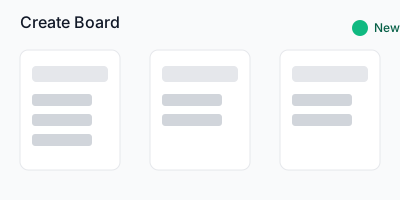
Create your first board
Organize work by columns and keep everyone aligned.
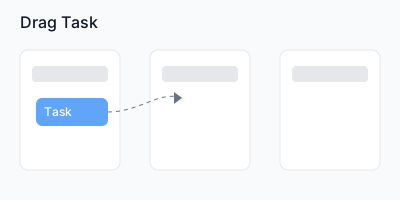
Drag tasks to update status
Simple drag-and-drop between columns.
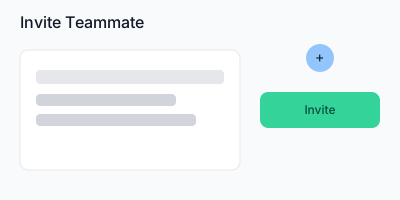
Invite your team
Share boards and collaborate in real time.
For more details check the README or contact support.
Back to App